
On the device you wish to set up mail:
- Go to Settings > Apps > Mail.
- Select Mail Accounts.
- Select Add Account.
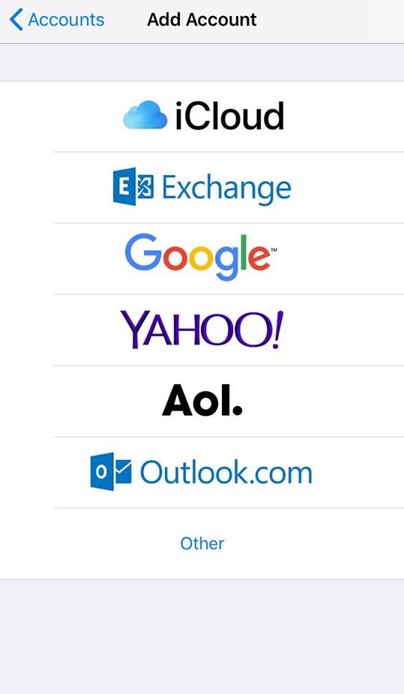
- Select Other from the list.
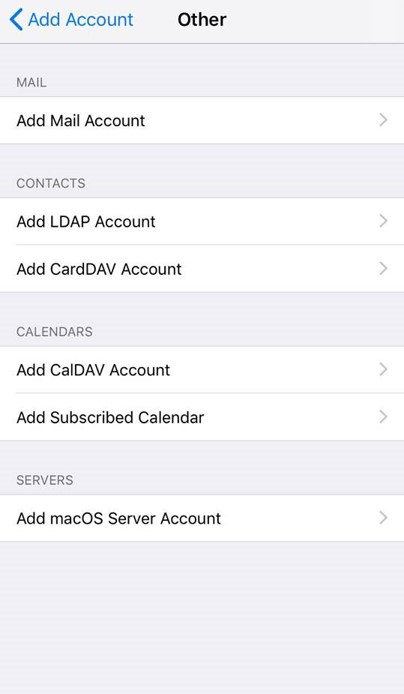
- Select Add Mail Account.
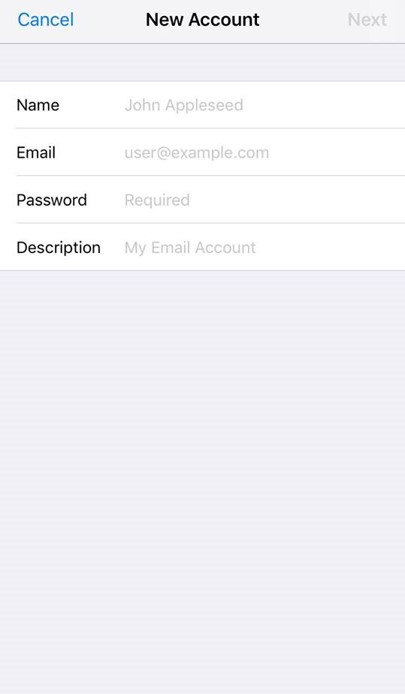
- Input the information requested:
Name: Anything
Email: [email protected]
Password: Your email account password
Description: Personal or Business, etc
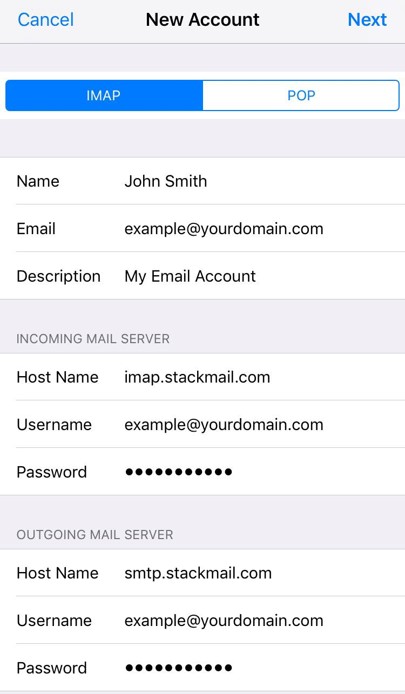
IMAP:
Incoming Mail Server
Host Name: imap.stackmail.com
Username: [email protected]
Password: Your email account password
Outgoing Mail Server
Host Name: smtp.stackmail.com
Username: [email protected]
Password: Your email account password
- Finally, select the mail account and go to the Outgoing Mail Server settings. Select Primary Server, ensure SSL is switched on, and the port is set to 587.